
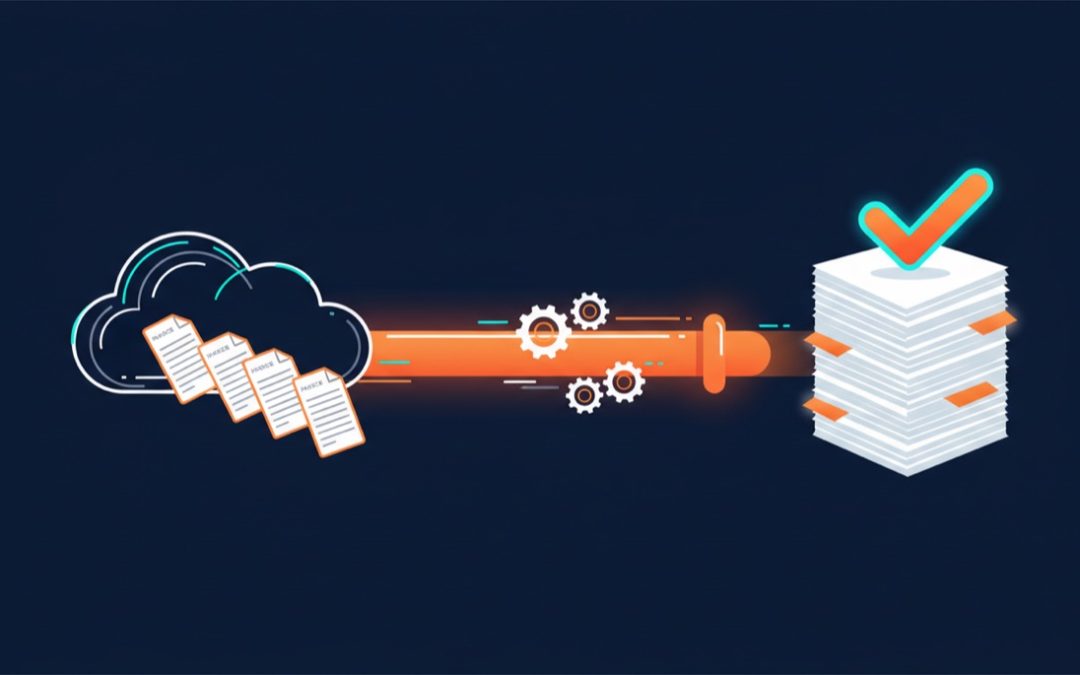
If you run your business on Ontraport and do your accounting in Xero, you already know where your evenings go: exporting transactions, re-keying invoices, matching payments, and hoping nothing was missed. Bookkeeping automation fixes that. This guide shows what it looks like to automate your bookkeeping by syncing Ontraport sales to Xero automatically — and what you get back in time, accuracy and peace of mind.
The real cost of manual data entry
Every sale that happens in Ontraport has to end up in Xero somehow. Done by hand, that means someone in your business is:
- Exporting transaction lists from Ontraport at the end of the week (or month, or quarter)
- Creating invoices in Xero one by one, or wrestling CSV imports into shape
- Recording payments against the right invoices and the right accounts
- Chasing down refunds, failed charges and subscription renewals that don’t match
It isn’t just the hours — though for a business doing a few hundred transactions a month, re-keying can easily swallow a full working day. It’s the errors. Manual entry means typos, missed transactions and duplicates, and every one of them surfaces later as a reconciliation headache or a report you can’t quite trust.
What bookkeeping automation actually looks like
An automated Ontraport to Xero sync watches your Ontraport account on a continuous schedule and turns every qualifying transaction into an accurate, line-itemised Xero invoice — with the payment recorded against it, the right contact attached, and your products, coupons, shipping and taxes mapped to the correct Xero items, accounts and tax codes.
That’s what XOSync’s Ontraport Xero integration does. Set it up once and from then on:
- Sales become Xero invoices automatically — line-itemised, not lump sums, so your reporting stays meaningful
- Payments are recorded against the invoice and posted to the account that matches the gateway that took them
- Refunds become matching credit notes that mirror the original invoice’s accounts and tax codes
- Subscriptions and payment plans sync each instalment as its own clearly-described invoice
- Paying contacts are created or matched in Xero, so no duplicate customers
“But what if something goes wrong?”
The fear with automation is silent failure — a sync that quietly breaks in March and turns your June BAS into archaeology. A well-built sync is designed the opposite way: XOSync retries temporary hiccups automatically, protects against duplicate invoices at several levels, and anything that genuinely needs a human lands in a plain-English review queue with one-click fixes. If a connection drops, syncing pauses, notifies you, and resumes when you reconnect.
What you get back
Businesses automate their Ontraport bookkeeping for three reasons:
- Time. The weekly export-import ritual disappears. Your books update themselves around the clock.
- Accuracy. No re-keying means no typos, no missed sales, no duplicates — and a clean audit trail from Ontraport order to Xero invoice.
- Current numbers. Because sales flow into Xero within minutes rather than at month-end, your P&L reflects reality. (More on that in accurate sales reporting in Xero.)
How to get started
Setup is guided: connect your Ontraport account and Xero organisation, approve the AI-suggested mappings for your products, taxes and gateways, run a test invoice, and go live. You can also import a window of historical Ontraport sales so your past transactions are in Xero too — not just the new ones.
Try it on your own data. XOSync is US$29/month with a 30-day trial for $1 — start your trial, connect both accounts, and see your first Ontraport sale land in Xero automatically. Cancel anytime.